

For the doctor who leads the plan
Care that completes your plan, with follow-up that keeps you informed.
Care that reaches beyond the clinic visit.
Refer your patients with diabetes to Ithnain for specialist support between visits. Track their progress and educator reports, and add your own notes from a dashboard built for you.
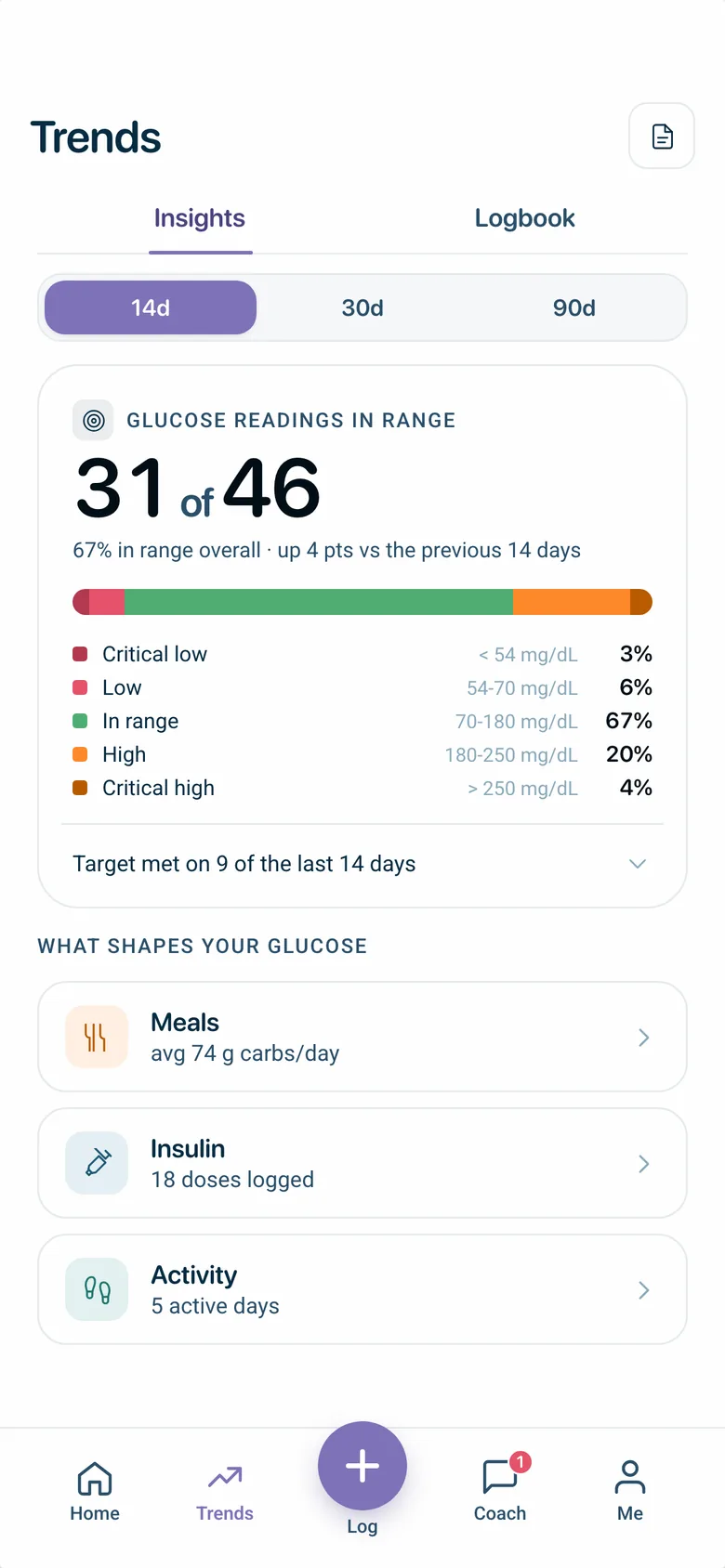
Trends screen, Ithnain app
Names and figures in the screens are for illustration.
An extension of care between visits
Diabetes education to understand and manage it day to day, dietary guidance suited to their needs, and psychological and behavioral support for the everyday challenges of living with it.
-
Diabetes education
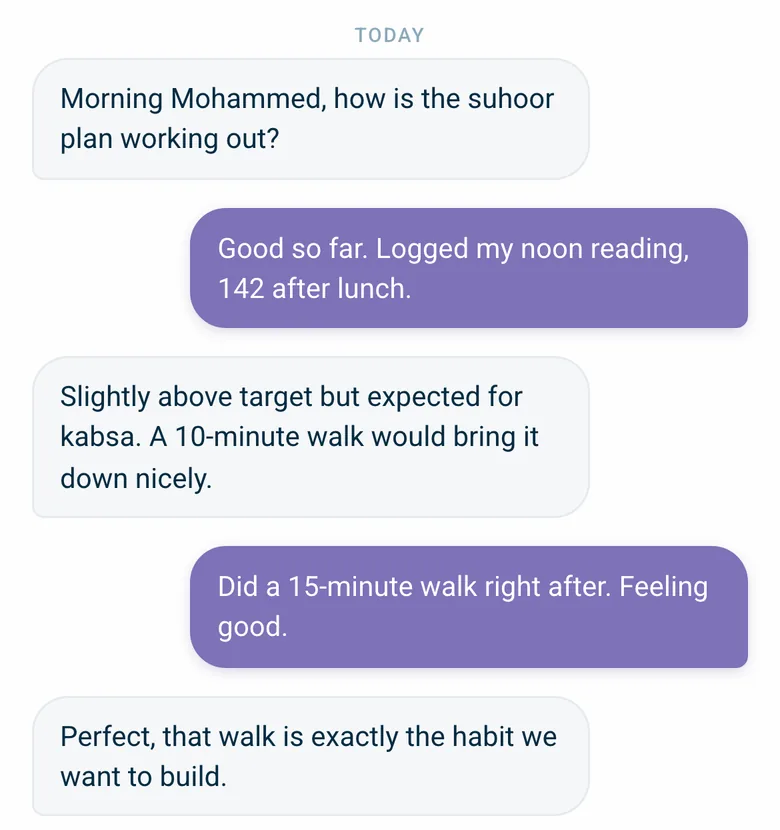
Messages, Ithnain app -
Dietary guidance
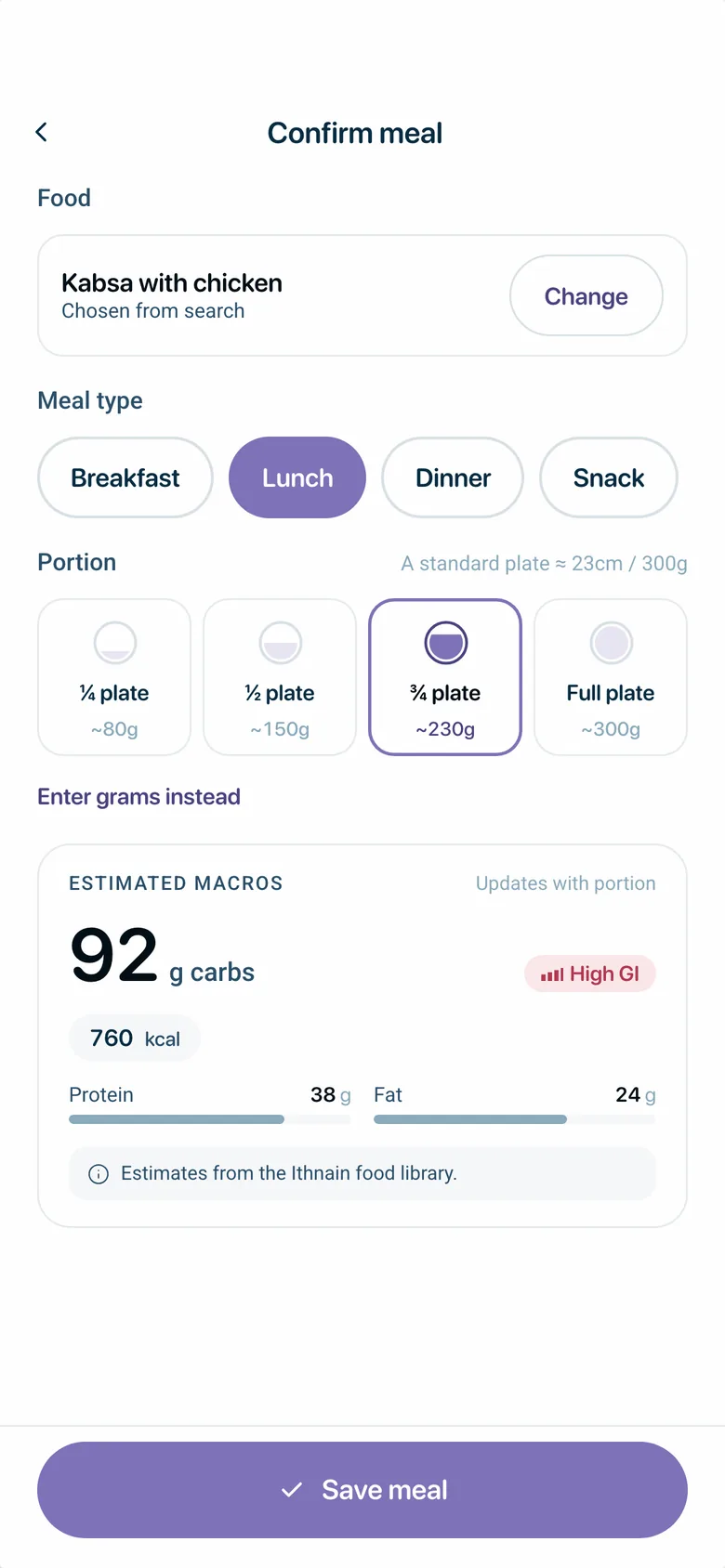
Log a meal, Ithnain app -
Psychological and behavioral support
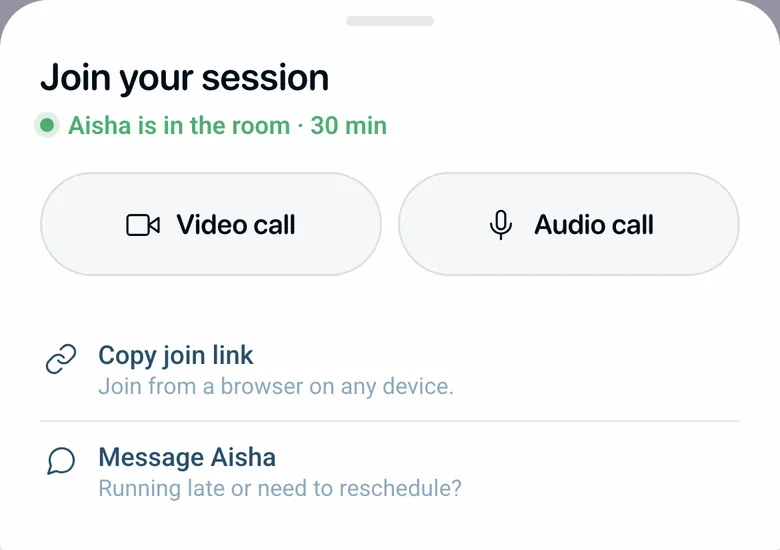
Joining your session, Ithnain app
Names and figures in the screens are for illustration.
Built for you
-
Case tracking: see the data and follow-up journey of every patient you've referred.
-
Regular reports: stay current on each case through the health educator's reports.
-
Your notes, built in: add your guidance and observations for the care team.
You lead the treatment plan — we support the patient in following it.
From referral to follow-up, in clear steps
-
Activate your account
share your details and the Ithnain team will reach out to help you get started.
Doctor Dashboard, illustration -
Refer your patient
generate their referral code from your doctor dashboard so they can begin their journey in the app.
Example only: this code is not linked to any account. -
Follow their progress
see their data and periodic reports, and add your notes, all in one place.
The patient, the referral code, and the Doctor Dashboard on one line.
The research behind the care
Give your patients support that extends beyond the visit.
Get started with Ithnain, and stay informed on your patients' journey.
Activate your account
Leave your details, and the Ithnain team will contact you with the steps to start on the Doctor Dashboard.
We have received your request.
Thank you. The Ithnain team will contact you with the steps to start.
Your message is ready in your email app.
Press Send in your email app so your request reaches the Ithnain team.
If your email app did not open, send the same message to the address below, or on WhatsApp.
Email: support@ithnain.com
The request was not sent.
Your request did not arrive because of a connection error. Check your connection and try again.